
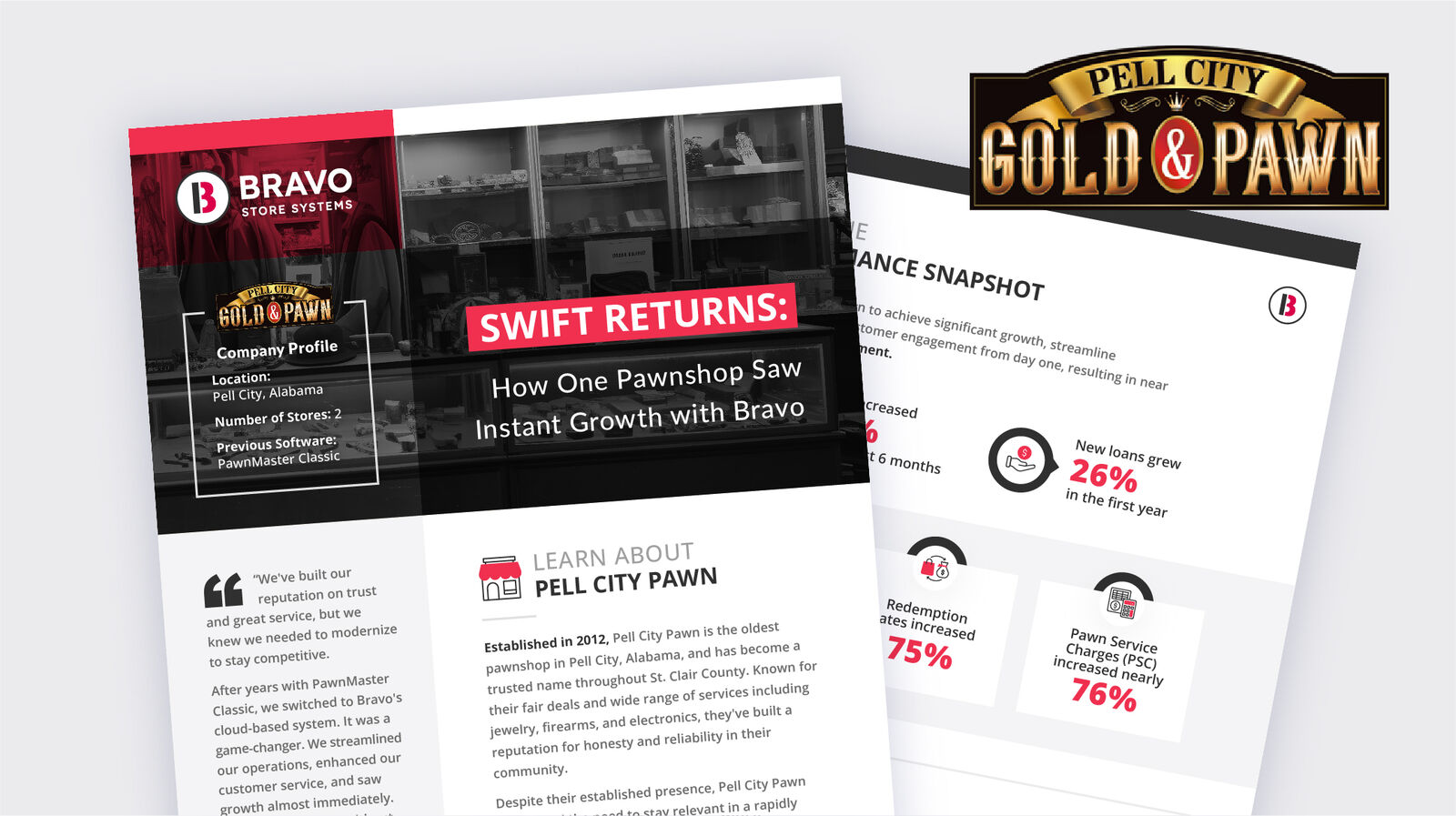
“Best of all, we did it without losing the personal touch our community values.”
Nathan Smith, Owner, Pell City Gold & Pawn
Read their story →A 30-minute conversation about your store with an Account Executive, whether you are opening, growing or comparing systems. Hear from Pell City Gold & Pawn and Agarthan Armory.
One connected system
Sales, buys, pawn loans, firearm records and online selling share the same customers and items, from the register to the back office to your phone.
See current features →Watch a real workflow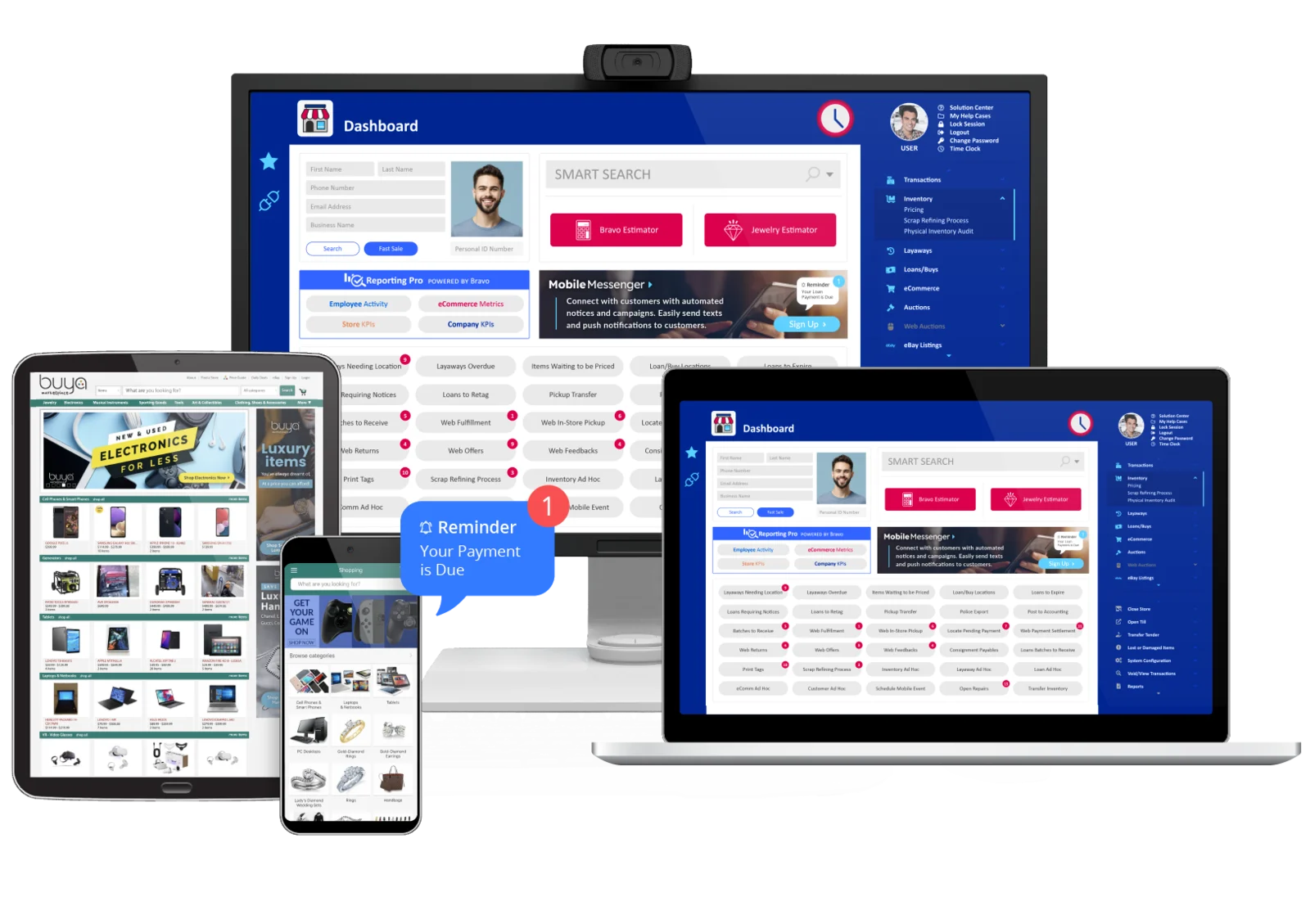
Owners running Bravo
“Best of all, we did it without losing the personal touch our community values.”
Nathan Smith, Owner, Pell City Gold & Pawn
Read their story →From recordkeeping to running the store, in Austin's words.
Austin Pollock, Agarthan Armory. Started as a home-based FFL.
Watch Austin's full published story →Individual customer experiences, not promised results. Read independent reviews on SourceForge.
Pawn · MobilePawn
A customer submits an item in MobilePawn, your team responds in Shopkeeper, and a barcode brings the details into Bravo. Watch it, no form needed.
More about MobilePawn →Recorded May 2024. Opens at the Sell, Borrow, Quote demonstration. Full webinar and transcript.
Firearms · FFL
Firearm inventory, A&D records and electronic Form 4473 workflows live in the same system as the sale. Your store remains responsible for compliance.
Explore FFL workflows →Handle both? Explore pawn + FFL workflows.

Buy · Sell · Trade
Keep purchases, item details, inventory and sales connected, with consignment alongside your owned inventory in pawn and specialty retail.
Watch the actual item-valuation tour →Bravo Superintelligence
Invoice Import extracts invoice details, matches them to Bravo catalog data, and lets you review before continuing receiving.
Explore Bravo Superintelligence →60-second edited walkthrough · No audio needed. Demonstrates Invoice Import, not every capability of the coming-soon agents.
Already running another system?
Start with the practical questions: which records can move, how they will be checked, what training your team needs, and how the store stays open through the change.
Data conversion is part of Bravo's onboarding process. The records that can move, cleanup needed, and validation responsibilities depend on your current system and data. Agree on that scope before switching, rather than assuming every field will transfer.
See the onboarding process →The launch plan covers readiness, cutover steps, and support contacts. Timing and any interruption depend on your data, hardware, locations, and staff availability. Test critical transactions and reports before approving the move.
Review the transition guide →Hardware setup is reviewed during configuration. Bring your computers, scanners, printers, and payment-device details so the team can confirm compatibility and any replacements. Do not assume every existing device will work.
Review setup and configuration →Onboarding plans training around your actual workflows, including buys, sales, inventory, and firearm forms where relevant. Confirm the sessions and formats included for your store, practice before launch, and agree on support hours and escalation contacts.
Review training and launch support →Ask for software, optional modules, hardware, payments, and onboarding costs together. Your configuration determines the scope; a starting price is not a complete implementation quote.
Explore switching-cost planning →