Point-of-sale software for pawn shops, FFL dealers and specialty retailers.

Built for the way your store does business.

Connect sales, inventory, and customer records with the tools your store needs.

A 30-minute conversation about your store, your goals, and whether Bravo is the right fit.

5.0 across 94 reviews on SourceForge

Bravo Superintelligence

AI built for the work your store does.

Not generic AI. Bravo Superintelligence brings together intelligent imports and a new generation of AI agents designed around your industry, your workflows, and your business.

See how Invoice Import extracts invoice details, matches them to Bravo catalog data, and lets you review them before continuing receiving.

Explore Bravo Superintelligence →

60-second edited walkthrough · No audio needed

The workflow: import an invoice, extract its details, match items to Bravo catalog data, then review before continuing receiving. This recording demonstrates Invoice Import, not every capability of the coming-soon agents.

Watch the full official walkthrough →

Available workflows

Keep the counter moving. Keep your records connected.

Start with the work you do every day. Explore the tools for your store, then confirm the modules and setup you need with a Bravo expert.

See current features →

Pawn operators: watch a MobilePawn workflow →

Specialty retail, buying, and resale

Keep item details, purchases, inventory, sales, and customer records connected. Explore your jewelry, consignment, or buy-sell workflow.

Watch the actual item-valuation tour →

An ungated Bravo Estimator recording, not a customer-results claim. For jewelry-specific valuation, choose the jewelry store path above.

Pawn loans, buys, and inventory

Keep customer records, loan activity, and items connected. Explore MobilePawn for customer payments from their phone.

Explore pawn workflows →

Firearm sales and record keeping

Explore firearm inventory, acquisition and disposition records, and electronic Form 4473 workflows. Your store remains responsible for compliance.

Explore FFL workflows →

Handle both? Explore pawn + FFL workflows.

For pawn operators · Watch before you talk

Watch an offer move from phone to counter.

Follow a customer submitting an item in MobilePawn, the store responding in Shopkeeper, and the barcode bringing the details into Bravo. Watch the actual workflow without a form or booking.

More about MobilePawn →

Recorded May 2024. Opens at the Sell, Borrow, Quote demonstration. Full webinar and transcript.

Customer experience

Pawn and firearm operators, in their own words.

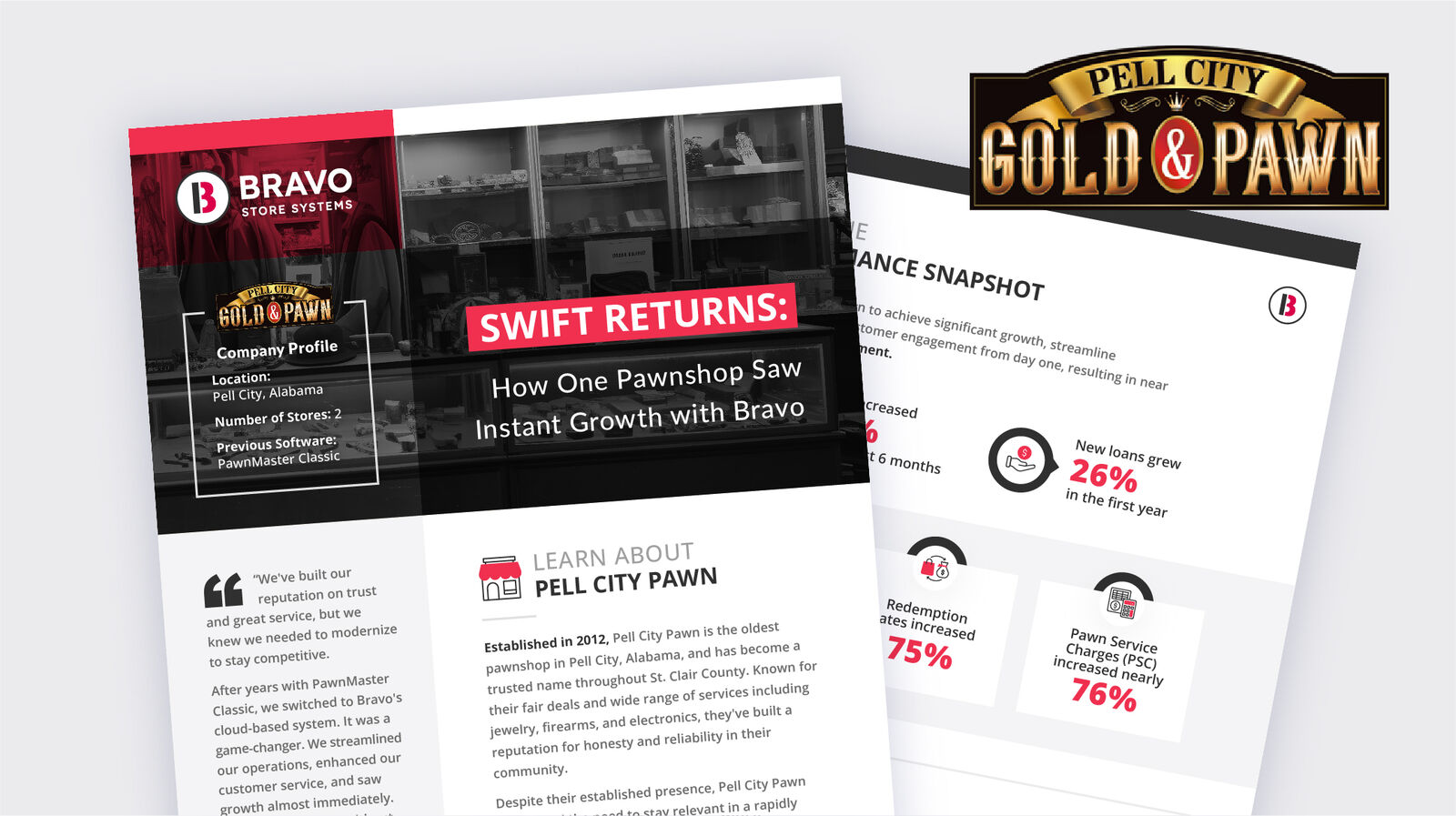
Pell City Gold & Pawn customer story

Keeping the personal touch

Pell City Gold & Pawn

“Best of all, we did it without losing the personal touch our community values.”

Nathan Smith, Owner
From Pell City's published customer story.

Read their story →

Firearm retailer · Started as a home-based FFL

Agarthan Armory

Hear Austin Pollock describe his experience with Bravo, from recordkeeping to running the store. This is a customer account, not a promise of the same outcome for every dealer.

Watch Austin's full published story →

Individual customer experiences, not promised results. Read independent reviews on SourceForge.

Before you switch

Ask to see your actual workflow.

Compare systems using the same sample transaction and your own requirements. Confirm current features and plans with each provider.

Can I bring my existing records?

Data conversion is part of Bravo's onboarding process. The records that can move, cleanup needed, and validation responsibilities depend on your current system and data. Agree on that scope before switching, rather than assuming every field will transfer.

See the onboarding process →
Will switching interrupt my store?

The launch plan covers readiness, cutover steps, and support contacts. Timing and any interruption depend on your data, hardware, locations, and staff availability. Test critical transactions and reports before approving the move.

Review the transition guide →
Do I need new hardware?

Hardware setup is reviewed during configuration. Bring your computers, scanners, printers, and payment-device details so the team can confirm compatibility and any replacements. Do not assume every existing device will work.

Review setup and configuration →
How will my staff learn the system?

Onboarding plans training around your actual workflows, including buys, sales, inventory, and firearm forms where relevant. Confirm the sessions and formats included for your store, practice before launch, and agree on support hours and escalation contacts.

Review training and launch support →
What should be in my quote?

Ask for software, optional modules, hardware, payments, and onboarding costs together. Your configuration determines the scope; a starting price is not a complete implementation quote.

Explore switching-cost planning →
Your next step

Bring the workflow you want to improve.

A 30-minute conversation with a Bravo expert about your store, your goals, and whether Bravo is the right fit.

Talk to a Bravo Expert →
Questions and answers

Frequently asked questions

What is Bravo Store Systems?

Bravo brings point of sale, inventory, buying, selling, pawn loans and firearms recordkeeping into one cloud-based system for independent retailers. Founded in 2011, Bravo serves 3,300+ stores. Explore the workflows for your store type or talk with an expert about fit.

What kinds of stores does Bravo support?

Bravo serves pawn shops, licensed firearms dealers including eligible home-based FFL businesses, jewelry stores, and resale and consignment businesses. If your store combines several business types, tell us which workflows you need so we can confirm the right setup.

Is Bravo cloud-based?

Yes. Bravo is a cloud-based SaaS platform. Your data syncs automatically across registers, back-office computers, and mobile devices, and you can access reporting from anywhere with an internet connection. Bravo handles backups, security patching, and uptime so you do not need to maintain your own servers.

How long does it take to switch to Bravo?

Timing depends on your current system, available data exports, hardware, training needs and number of locations. Before committing to a date, review the migration scope, records to retain, responsibilities and cutover plan with Bravo's team. Do not assume every historical field or document can be imported.

Does Bravo handle ATF and firearms compliance?

Bravo includes electronic 4473, an electronic A&D book and firearms reporting workflows. These tools support recordkeeping; your business remains responsible for correct records and applicable requirements. Ask us to demonstrate the workflows relevant to your license and store.

Can Bravo run a multi-location business?

Bravo supports multi-location operations with shared reporting, inventory visibility and store-level permissions. Discuss your locations, transfer workflows and reporting requirements with our team to confirm the configuration.

Does Bravo lock me into buying its hardware?

Bravo works with supported, off-the-shelf equipment. Some existing computers, scanners and receipt printers may be reusable. Have the team confirm compatibility, payment-terminal requirements and any replacement costs before you commit.

How much does Bravo cost?

The Home FFL offer starts at $99 per month for eligible businesses. That is not a universal price for every store or configuration. Confirm eligibility, included features, implementation, hardware, payment-processing terms and optional products with our team. Other store configurations are quoted around their requirements.

What payment processors work with Bravo?

Bravo works with Worldpay, Fortis and Bluedog for integrated card processing. Confirm supported hardware, fees and account terms for your store. Credova is a financing option, not a card processor.

How do I see Bravo in action?

Watch the product walkthrough on this page without submitting a form, or request a 30-minute conversation about your store, goals and whether Bravo fits. The first conversation is not a promised full product demo; your specialist can help identify the right next step.