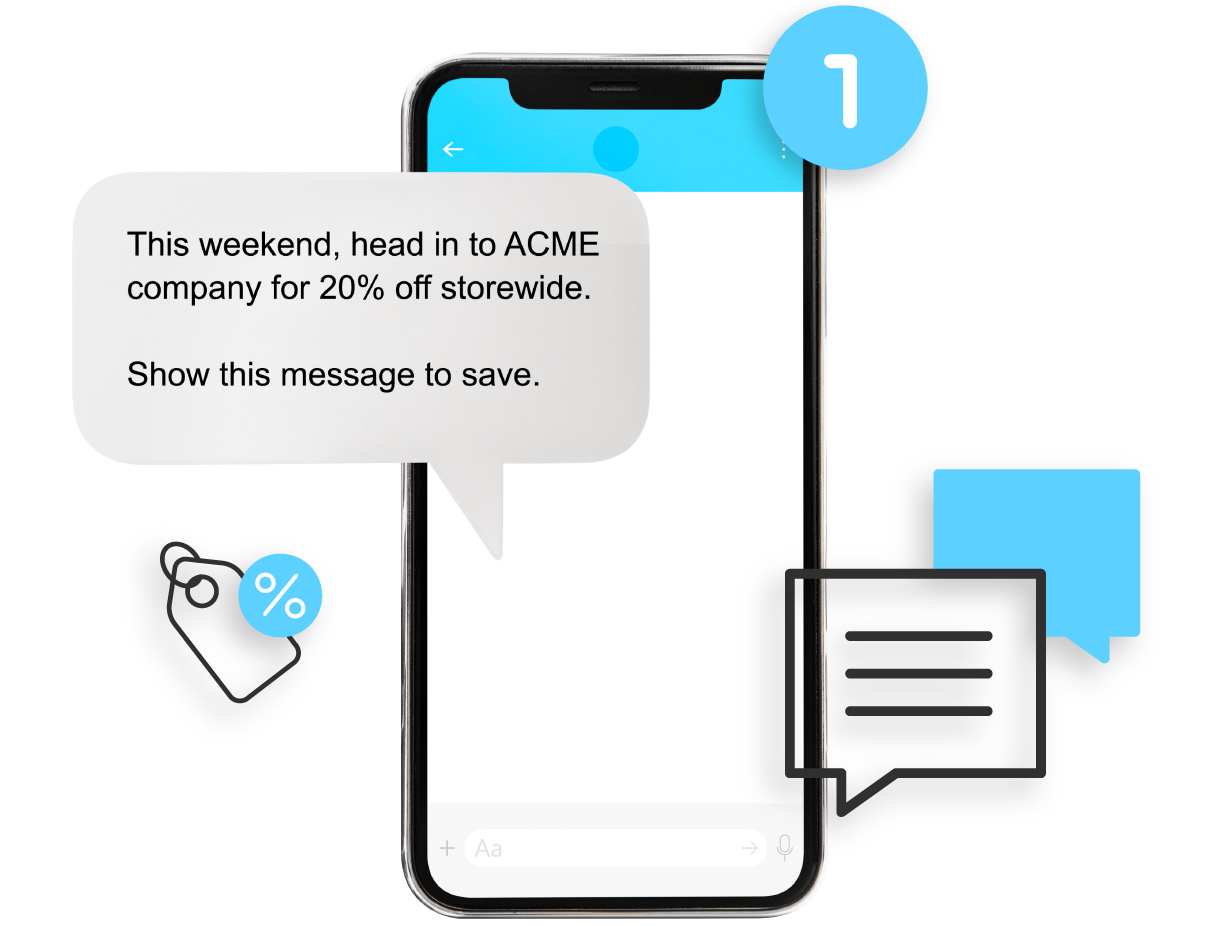
Put your offers on customers’ phones with Mobile Messenger and Coupons & Promotions. Reach customers by text with relevant inventory and offers that give them a reason to consider another visit. Your promotion does not have to depend on someone passing the window or remembering to check the store.
Picture an illustrative store with tools and jewelry ready for Black Friday. A previous customer may not know what is available this week. A relevant text can put that offer on their phone, while Coupons & Promotions gives the store a promotional tool to support it. The customer gets a concrete reason to consider coming back, not a promise that every message will produce a visit.
Reach customers on their phones
Mobile Messenger supports targeted text campaigns using customer segments. For the illustrative store, that means connecting relevant inventory with previous retail customers instead of relying only on foot traffic. An offer reaches their phone, where they can read the details and decide whether it gives them a reason to visit your store.
Do not assume a purchase history gives the store permission to send marketing texts. Review consent, honor opt-outs and follow the messaging requirements that apply to your audience. A customer record and permission to market are different things.
Keep the first campaign manageable. A carefully chosen group gives your team a specific reason for the message, rather than an excuse to broadcast everything in the store. Segmentation can help organize that choice; it does not guarantee that someone wants the offer.
Give them an offer worth visiting for
Decide what the customer should understand and do next. The message might introduce relevant inventory or explain a store promotion. Avoid putting several competing announcements into the same invitation. The customer should not have to work out which part matters.
If a coupon is involved, write the redemption terms before preparing the message. Identify what qualifies, any exclusions, when the offer ends and how staff should handle it. Make sure the people at the counter see those terms before customers do.
Mobile Messenger is the way to reach the selected audience. Coupons & Promotions provides a separate promotional tool to support the invitation. Neither replaces the store's responsibility to choose an offer it can fulfill and describe it accurately.
Bring your promotion to the counter
Before sending, walk through what happens if a customer arrives with the message on their phone. Can an employee recognize the offer? Do they know how to apply its terms? What should they do if the item the customer wanted is no longer available?
Give the counter team the same offer details that customers receive. That helps employees recognize the promotion, explain its terms and answer questions consistently. Customers should not have to explain your campaign to your staff. The webinar page also offers a place to find product walkthroughs.
There is no guaranteed sales result in this process. The value is a more deliberate invitation: relevant customers, a clear message and a counter team prepared to follow through.
Understand the November offer before adding features
During November 1–30, 2026, inclusive, existing Bravo customers adding Mobile Messenger can have two months of monthly subscription fees waived. The $0.07 fee per billable marketing text still applies; the waiver does not make sending texts free.
Coupons & Promotions is free for one year when added with new Mobile Messenger. The relevant feature must not already be enabled. These are new-feature offers, not credits for current subscribers.
Talk to your Bravo representative about your campaign and eligibility. Start with the customers and inventory you have in mind, not a promised sales target.
Put your next offer on their phones
Already using Bravo? Talk with your representative about eligibility and setup.
Talk to your Bravo representative →