


Performance improvements
Performance updates designed to make Bravo faster and easier to use throughout your day.
Thousands of gun retailers & pawnshops use Bravo's point of sale platforms to manage their in store and online businesses. Bravo Store Systems offers a single platform to run every aspect of your independent retail business.

Workdays just got easier
Manage your entire business in one centralized system. Our point of sale platform allows you to collect, store, and analyze customer and employee and sales data across all locations and selling channels so you have a holistic view of company performance.

All features and products are developed in house by Bravo and built into the point of sale platform, so you don't need to work in multiple systems, manage multiple vendors or deal with the hassle of 3rd party integrations.
The result: reduced overhead and operating costs and increased profits.

With our integrated solution, you can easily segment your customer lists within your Bravo point of sale platform, and then send scheduled, automated and recurring text messages, eliminating the manual work that point solutions require.


Our Support Specialists work hard to resolve any issues quickly and accurately. Our support team also loves to talk best practices and technical know-how to help you harness the power of Bravo.

Work with our onboarding team to get your Bravo system configured exactly how you want it, your team trained and ready to go live - quickly and easily. Rest easy knowing we've got your compliance configurations covered, too

If you're not top of mind with your customers, some other business is. Use text messaging to communicate with customers and win more business that might otherwise go to your competitors.


No point of sale provider understands the complexities of compliance more than Bravo. Our team ensures our system is always compliant so you can focus on growing your business.

Manage your entire inventory in Bravo's point of sale software. Track aged inventory and bulk discount by age, category or both to lift inventory turnover rate.

E4473 puts an end to manual work, reduces liability, and eliminates errors on 4473s. Cloud Storage gets rid of all those paper 4473 forms and stores them in the cloud, making traces and audits faster than ever before.

"We looked at every major player in Pawn Software, and it was a no brainer to go with Bravo. Our customers now receive a text message 5 days before the due date, and can renew loans via the mobile app. This software really does streamline most of which used to be very timely and not cost-effective."

"We are going to text every customer in our database to let them know about the Grand opening sale. We did a mass text to all of our customers last Christmas and it turned out to be one of our busiest Saturdays ever in 25+ years."

"It's beautiful to see a product advancing and growing. Some platforms go years without tangible feature updates."

"Exactly what we needed to operate more efficiently. The usability for my staff is great. The updates they create keep us relevant in a world that is constantly changing."
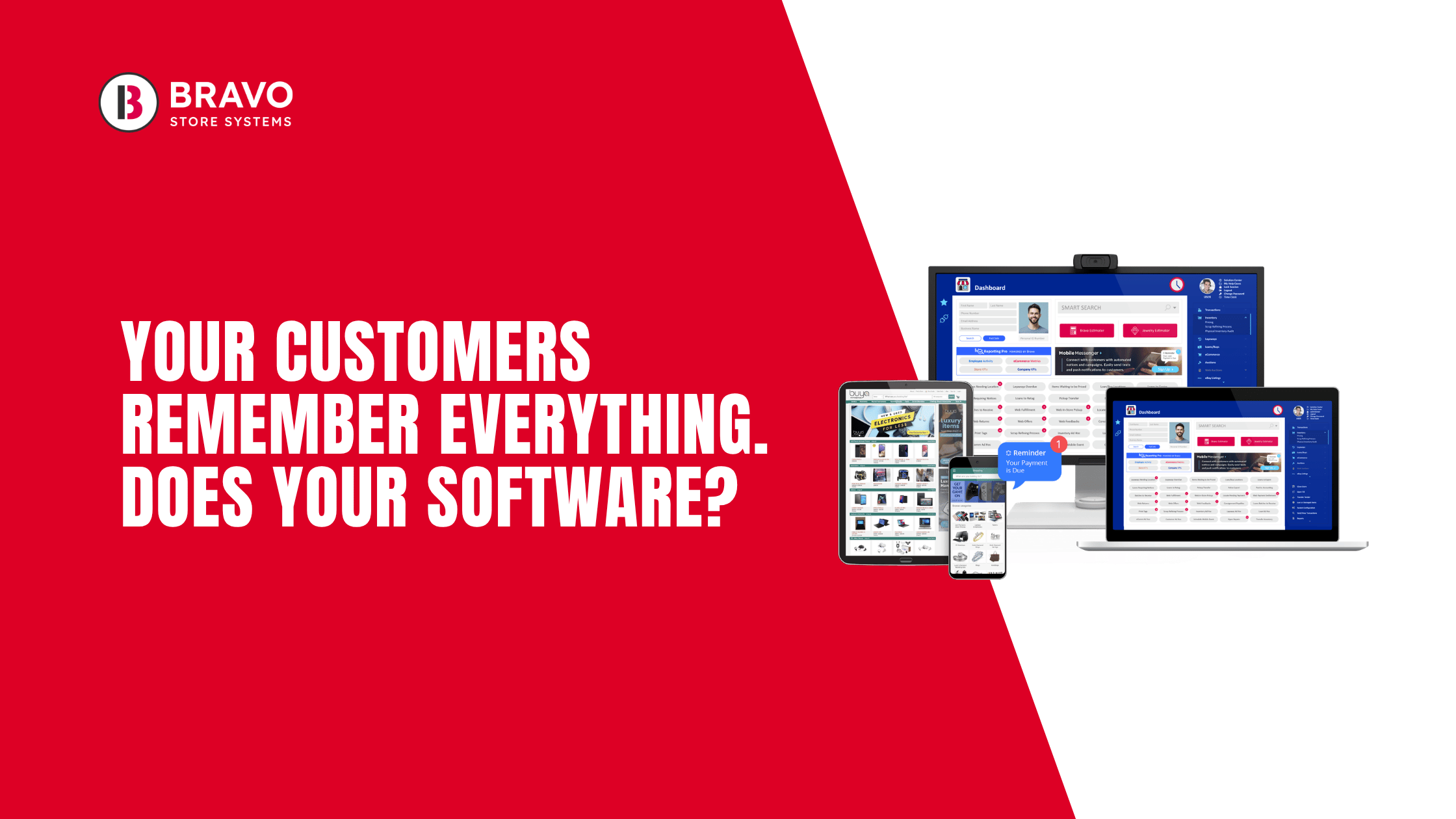
Every customer who walks into your store has a history with you, but that history often lives in one employee's head. When they're not there, the customer has to start over. Bravo's customer profiles capture every transaction, pawn loan, trade-in, layaway, and team note in one place, so any employee can pick up right where things left off. No repeating. No piecing it together. Just the full picture, every time, for pawn shops, gun stores, and buy/sell/trade retailers.
October Release · Released October 28, 2026
Performance, everyday usability and new tools for your team. Explore what’s new in the October Release.
Performance updates designed to make Bravo faster and easier to use throughout your day.
Route pawn notices to a dedicated printer instead of switching paper by hand.
Record how many of each bill you have when counting your till or safe, with the details behind the total.
Choose “None” and go straight to describing the item without creating a manufacturer or model. Improved search and categories make entry easier, too.
Employees select Forgot Password at login. A manager with override rights approves the request, then the employee sets a new password.
Access loans and buys from one screen, with quicker access and fewer steps to place items on hold.
Set the lost-ticket fee to $0.00 and print a replacement without adding a charge.
South Carolina stores can send early pawn notices through Bravo to help manage their notice requirements.
The first time you open Bravo after an update, see what’s new and where to learn more.
Move items in bulk by karat type and add precious-metal or stone details without completing a full assessment.
See a dashboard alert when an item reaches its reorder threshold. Open a purchase order with suggested quantities already filled in, ready for review.
Run separate physical inventory audits for repair items and rental items, rather than mixing them into one count.
Bravo remembers your last importer entry when you add several serialized items from the same importer.
Start with invoice information to review rather than retyping it. Review imported details before accepting them; firearm entries always require review.
Your customer starts the conversation in MobilePawn or the Buya App. Your team replies directly in the Bravo dashboard. Chat is free with both apps; Shopkeeper is not required.