 For independent retailers
Holiday selling · 2026
Keep more of every holiday sale.
Sell more of your inventory online without taking it off your store floor.
List eligible items on Buya with Bravo, with a 5% final value fee on qualifying successful shipped sales November 1 through December 31, 2026.
No marketplace subscription fee. Success fees are separate.
Discover Buya
Real inventory.
A place to discover it.
From jewelry and electronics to tools and musical instruments, help shoppers understand what makes each item worth a closer look.
Explore Buya (opens in a new tab)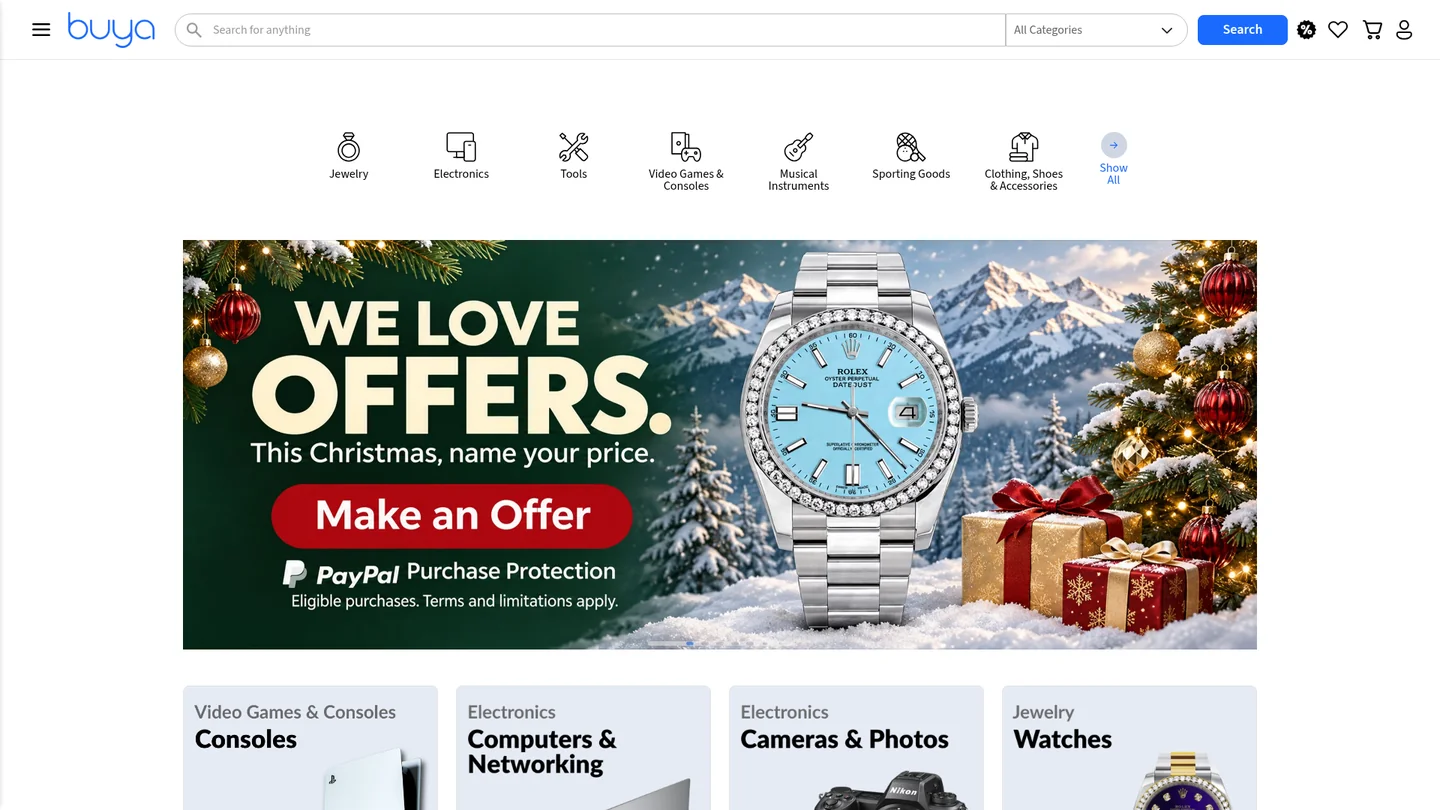
Holiday listing checklist
Give more of your inventory a chance to sell.
List it once in Bravo. Offer eligible items across your connected platforms while keeping them for sale in your store. Bravo syncs your inventory automatically.
Download PDFTrust starts with specifics.
Show the actual item. Disclose wear, defects, included accessories, and what you tested. Explain shipping and your applicable return terms clearly, without making promises you cannot keep.
Need help? Ask Bravo Support. Include your store name and say whether you need help with listings or checkout. Do not use PayPal for firearm sales.
Show the actual item
Use clear photos. Show visible wear and the accessories included. Check that the photos match the item you are selling.
Describe its condition
Include the model, what you tested, and any defects. Include authentication documents only when you have them.
Check that customers can buy it
Confirm the price, availability, payment options, how the buyer will receive the item, and your return terms. Make sure the item is allowed on the marketplace and by its payment provider.
Review the rest of your store
What is ready to sell but missing online? Don’t stop at a few favorites. Give more eligible inventory a complete, accurate listing.
The offer, in plain language
A defined holiday window.
5% final value fee on the total value of qualifying successful shipped sales on Buya November 1 through December 31, 2026. Includes qualifying sales already made in that period.
- Marketplace
- Buya
- Fee basis
- Total value of qualifying successful shipped sales
- Offer scope
- Offer covers final value fees. Review applicable marketplace and payment terms.
Contact Support for transaction-specific charges and eligibility.
Before you list
Good questions.
Straight answers.
Which sales qualify?
5% final value fee on the total value of qualifying successful shipped sales on Buya November 1 through December 31, 2026. Includes qualifying sales already made in that period.
Is there a marketplace subscription fee?
There is no marketplace subscription fee. A final value fee on successful sales is separate from a subscription. The Buya App is a separate offer; contact Support for details.
Does 5% cover every cost?
This announcement covers the final value fee; review applicable marketplace and payment terms. Contact Support for transaction-specific charges and eligibility.
What if I already made qualifying sales?
Qualifying sales already made during November 1 through December 31, 2026 are included. Contact Support about your specific sales and how the offer applies.
Can I use PayPal for firearm sales?
No. PayPal policy prohibits firearms. The PayPal guide below is for eligible Buya non-firearm checkout only.
Can I also have my own branded website?
Yes. Explore Bravo’s company-branded website option for your store. Explore company-branded websites.
Eligible Buya purchases only
A familiar checkout.
Your business account.
Buya Shopping is moving to PayPal-only checkout for eligible purchases as Pay Store Direct is being discontinued. This transition brings eligible Buya checkout onto one payment path.
Why PayPal Business?
- A familiar PayPal checkout for shoppers who already know PayPal.
- A business account to manage your PayPal payments and transaction activity.
- Seller Protection for eligible transactions only, subject to PayPal’s Seller Protection terms.
Check item eligibility first
This setup is for eligible Buya non-firearm purchases only. Do not use PayPal for firearm sales.
Open an account, then connect it.
Start with PayPal Business
Already have a PayPal Business account? Use it for the connection steps below. If not, open a PayPal Business account.
Complete your business details
Create your login, supply your business and tax information, and follow PayPal’s verification prompts.
Connect your account to Buya
Follow Bravo’s current guide for connecting your PayPal Business account to eligible Buya checkout.
Follow the Bravo PayPal setup guideNeed help with your connection?
Ask Bravo Support. Include your store name and say you need help with Buya checkout. No demo request is needed.
For Bravo customers
Let’s get your store ready.
Bring your listing, checkout, or offer questions. Our customer support team is the next stop.
Ask about marketplace setup, listing your inventory, or qualifying sales.